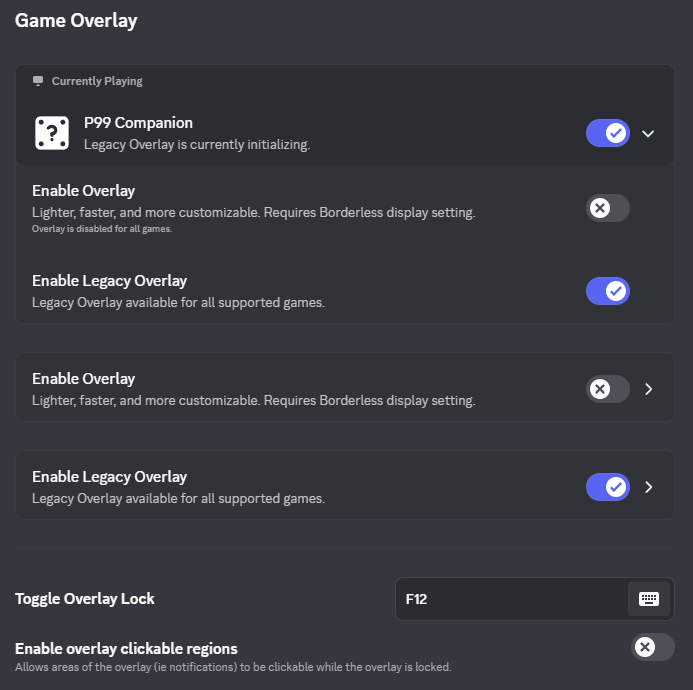
Discord Overlay Instructions
1) In the Discord client, click the gear icon in the bottom left.

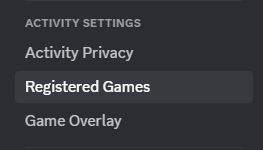
2) Scroll down the left hand menu and choose Registered Games
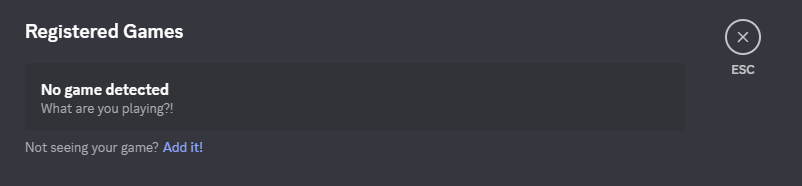
3) The Registered Games area will display. Click the Add it! button
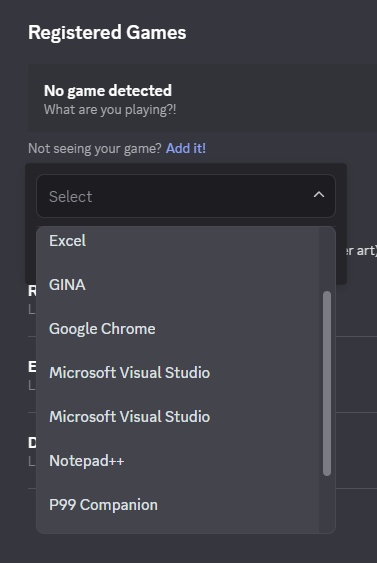
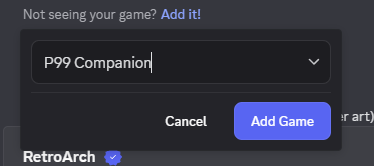
4) Scroll through the list and select P99 Companion
5) With P99 Companion selected, click the Add Game button.
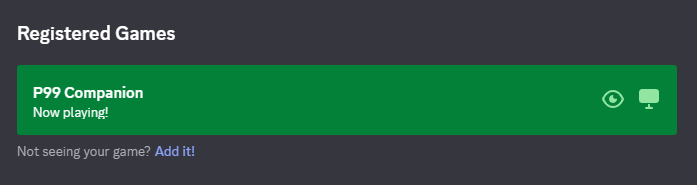
6) You should now see the Registered Games area display as so.
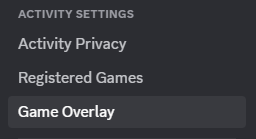
7) Scroll down the left hand menu and choose Game Overlay
8) The Game Overlay area will display. Click the expander for P99 Companion.
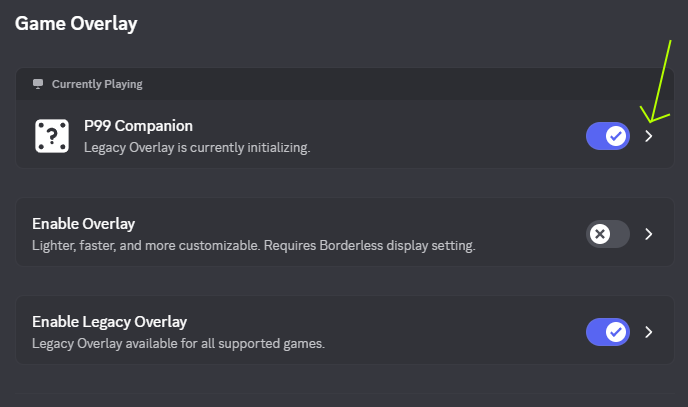
9) Adjust the settings for the P99 Companion app to deselect Enable Overlay and select Enable Legacy Overlay.